
THE EVOLVE EDTECH BLOG
Welcome to The Evolve EdTech Blog.
Here you will find a range of blog entries from the team at Evolve EdTech exploring a range of tips, tricks and tools that you can use to help you incorporate educational technology into your classroom.
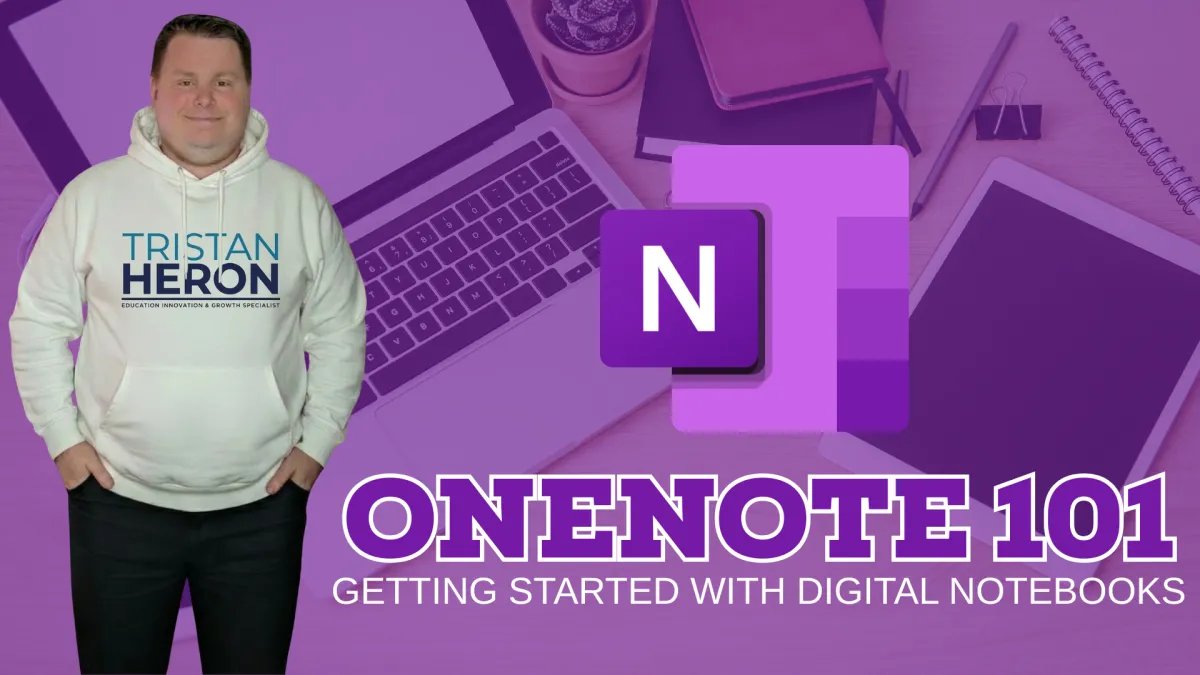
OneNote for Teachers: How to Get Started with Digital Notebooks in the Classroom
OneNote for Teachers: How to Get Started with Digital Notebooks in the Classroom
If you are an educator looking for a smarter way to organise your teaching life, reduce paper clutter and create more engaging digital learning spaces, then it may be time to explore Microsoft OneNote.
During Episode 23 of Innovative EdTech, I unpacked why OneNote is one of the most underrated tools available to teachers today. Whether you are brand new to educational technology or already comfortable using digital tools, OneNote has the potential to become a game-changing part of your teaching toolkit.
Let’s dive into why.
What is OneNote?
OneNote is Microsoft’s digital notebook platform. Think of it as a flexible online binder where you can capture, organise and share information in one central place.
Instead of juggling folders, loose papers, lesson planners, sticky notes and random files saved across different locations, OneNote gives you one organised digital hub.
Inside OneNote, you can store:
Lesson plans
Unit programs
Assessment tasks
Staff meeting notes
Student resources
Images
PDFs
Audio recordings
Web links
Reflection notes
Checklists
And the best part? It automatically saves and syncs across your devices in real time.
Why Teachers Should Use OneNote
As educators, time matters. Energy matters. Organisation matters.
OneNote can help by simplifying the behind-the-scenes workload that often steals time away from actual teaching.
1. Keep Everything in One Place
No more hunting through emails, USBs, random folders or paper piles.
Create notebooks for:
Year groups
Subjects
Individual classes
Faculty planning
Professional learning
Personal organisation
Everything becomes easier to locate and reuse.
2. Access Your Work Anywhere
At school. At home. On the couch. In a meeting. During playground duty.
Because OneNote is cloud-based, your content is available wherever you sign in.
That means no more:
“I left it on my work computer”
“It’s saved on another device”
“I forgot the USB”
Music to every teacher’s ears.
3. Support Diverse Learners
OneNote is incredibly flexible for student learning.
Teachers can include:
Written instructions
Images and diagrams
Audio explanations
Hyperlinks
Videos
Drawings
Typed notes
Handwritten responses
This makes it a fantastic option for differentiation and accessibility.
4. Encourage Collaboration
Students can work together in shared spaces, making OneNote ideal for:
Group projects
Brainstorming tasks
Inquiry learning
Shared research
Collaborative note-taking
Staff teams can also use shared notebooks for planning and communication.
5. Improve Feedback Workflows
Teachers can provide feedback through:
Typed comments
Handwritten notes
Audio responses
Real-time check-ins
This creates faster, more personalised feedback opportunities for students.
How OneNote is Structured
OneNote is very easy to understand once you know the layout.
Notebook
Your main container (for example: Year 9 English)
Sections
Like tabs or dividers (for example: Term 1, Assessment, Resources)
Pages
Individual content pages (for example: Lesson 1, Essay Scaffold)
Subpages
Extra layers of organisation under pages
It feels like a traditional binder — just far more powerful.
Practical Ways Teachers Can Use OneNote
Here are some quick-win ideas to get started:
For Teachers
Digital teacher diary
Weekly planning hub
Faculty meeting notes
Assessment tracking
Resource library
Professional learning journal
For Students
Digital workbook
Reading journal
Science logbook
Project portfolio
Revision hub
Exit tickets
For Whole Class Learning
Shared brainstorming wall
Inquiry research space
Collaborative note-taking
Group project management
Best Advice for Beginners
Don’t try to build the perfect notebook on day one.
Start small.
Create:
One notebook
One class
One term
One unit
Then build confidence over time.
The best edtech success stories rarely begin with perfection. They begin with curiosity.
Final Thoughts
OneNote is not about replacing great teaching.
It is about enhancing what already works.
It helps educators become more organised, more flexible and more efficient while creating stronger learning opportunities for students.
If you have access to Microsoft 365, you likely already have OneNote waiting for you.
Now might be the perfect time to give it a go.
Want to see OneNote in action? Watch the full workshop recording below and explore practical tips, walkthroughs and classroom ideas to help you get started.
Ready to Grow Your EdTech Confidence?
If you’d like ongoing support, practical training and fresh ideas to help you use technology with confidence, come and join the Tech-Ready Teacher Academy.
For just $49 AUD per month, members receive:
Monthly live masterclasses
Practical classroom-ready training
Exclusive templates and resources
On-demand professional learning
Supportive educator community
Confidence-building guidance all year round
Learn more and join today at www.evolveedtech.com/academy
Your future-ready classroom starts now.

LEARN
Looking for FREE on-demand professional learning all year round?
Join the team from Evolve EdTech and access on-demand sessions from The Tech-Ready Teacher Digital Conference. Each January, the conference is updated with brand new sessions to help you become a master of edtech in the classroom.


CONNECT WITH US


ABOUT EVOLVE EDTECH
CONTACT EVOLVE EDTECH
TERMS & CONDITIONS
At Evolve EdTech we acknowledge the Traditional Owners of country throughout Australia and recognise their continuing connection to land, waters and culture. We pay our respects to their Elders past, present and emerging. Always was, always will be Aboriginal Land.
Copyright 2026. Evolve EdTech. All Rights Reserved.